Patient Portal Development: Features, Authentication, and Compliance
A patient portal is an identity problem, a compliance problem, and an EHR integration problem wearing a UI. What to build, what to buy, and the rules that shape both
A patient portal looks like a CRUD app with a calendar. It is actually three hard problems wearing a UI: proving the person at the keyboard is the patient, deciding who else may act for them, and moving clinical data in and out of an EHR under rules that changed sharply with the information blocking provisions of the Cures Act. This guide covers what to build, what to buy, and the regulations that shape both.
Identity: the front door is the hard part
Portal accounts are attractive targets: a compromised account exposes diagnoses, medications, and enough demographic data for identity theft. The identity stack that holds up:
- Identity proofing at enrollment. In-person activation codes from the front desk remain the gold standard. Remote proofing (document verification plus knowledge checks, or an identity vendor) covers patients who never visit.
- MFA that patients can actually use. SMS OTP has known weaknesses but dramatically outperforms passwords alone; app-based TOTP and passkeys for those who opt in. Recovery flows deserve as much design as login: they are the attacker's preferred entrance.
- Session policy tuned for shared devices. Short inactivity timeouts and no "remember me" on PHI views. Families share tablets.
Proxy access: the requirement everyone underestimates
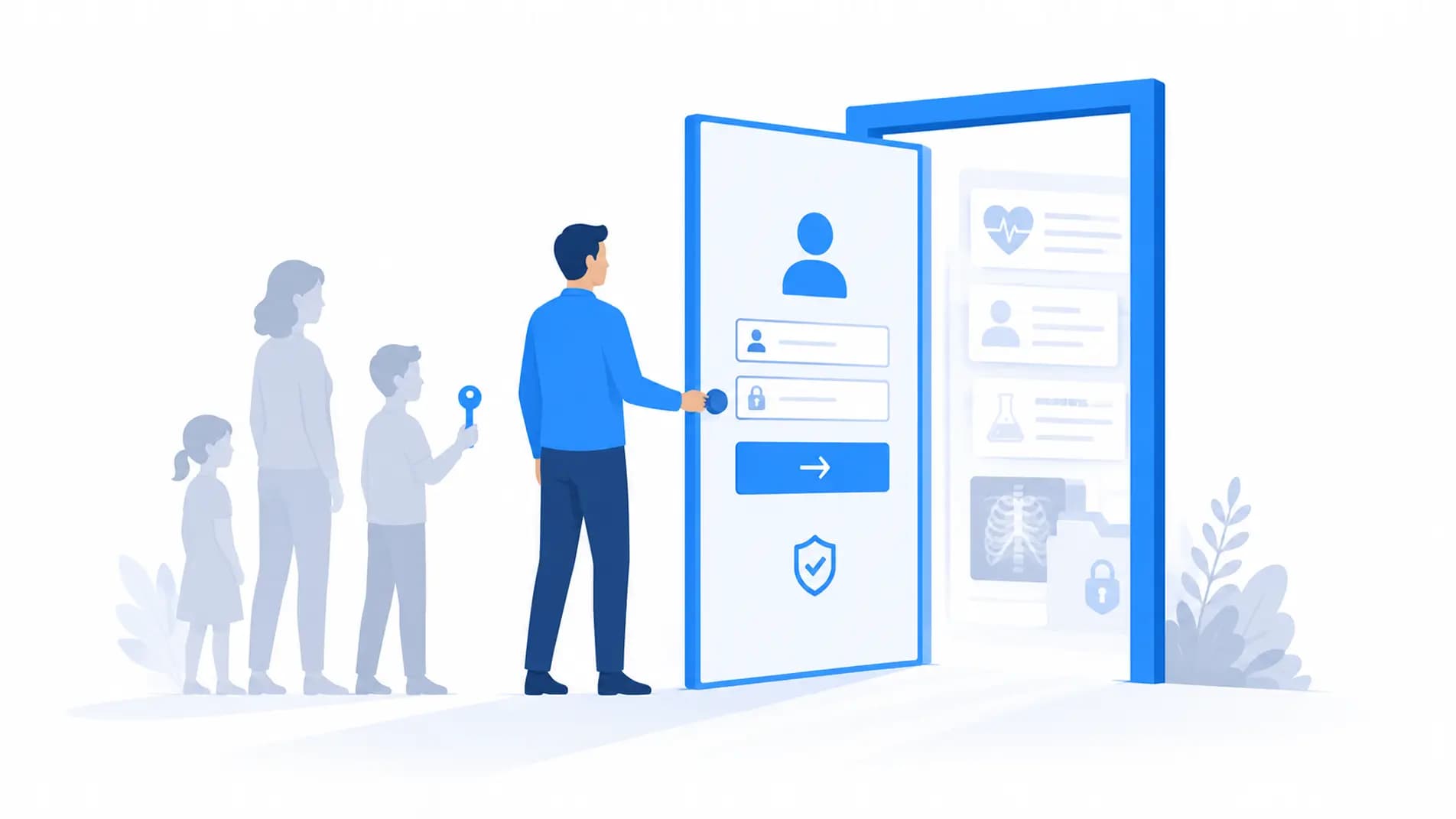
Parents access children's records; adult children manage elderly parents' care; caregivers act with power of attorney. Proxy access is a first-class data model problem:
- A proxy relationship links two identities with a scope (full, scheduling-only, billing-only) and an expiry.
- Pediatric proxies change at adolescence: state minor-consent laws restrict what a parent may see (commonly sensitive services from ages 12-18), which means record-level filtering by category and age, not a simple on/off switch.
- Every proxy action is audited as "user X acting as proxy for patient Y," never as the patient themselves. The audit schema from our HIPAA audit logging post extends cleanly to this.
 Proxy access is a scoped, expiring, audited relationship between identities.
Information blocking changed the defaults
Since the Cures Act information blocking rules, the default is that patients see their data without delay: clinical notes, and critically, test results. The era of "hold results for provider review" is over except for narrow harm exceptions. Product consequences:
- Results release is immediate, so the UX must handle a patient reading an abnormal result at 11pm before their doctor has seen it: plain-language reference ranges, clear "what happens next" copy, and a low-friction path to message the practice.
- Notes are visible. Open notes affect clinician workflow and portal design: notes render as first-class content, not buried PDFs.
- Blocking is a compliance risk. Product decisions that delay or degrade access (burying downloads, disabling API access) now carry regulatory exposure, with penalties finalized for providers in 2024.
The EHR integration surface
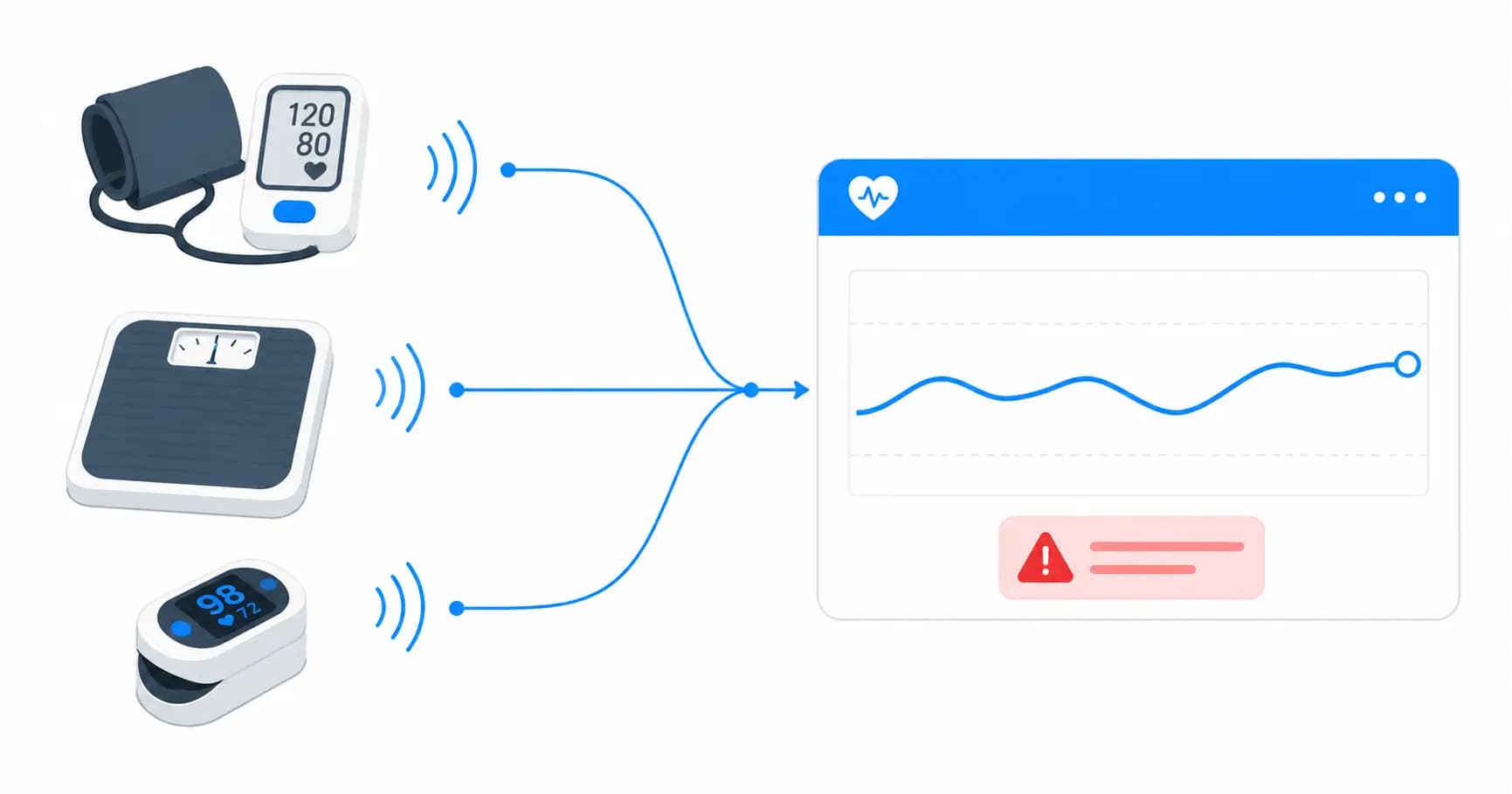
A portal is only as good as its EHR sync. The typical surface: demographics and problem lists inbound, appointments bidirectional, results and documents inbound, messages bidirectional into the clinician's inbox, and payments outbound to the practice management system. Modern EHRs expose most of this over FHIR R4; older or specialty systems require HL7 v2 feeds. The tradeoffs are covered in our FHIR vs HL7 v2 guide, and the vendor program realities in our EMR integration guide for digital health.
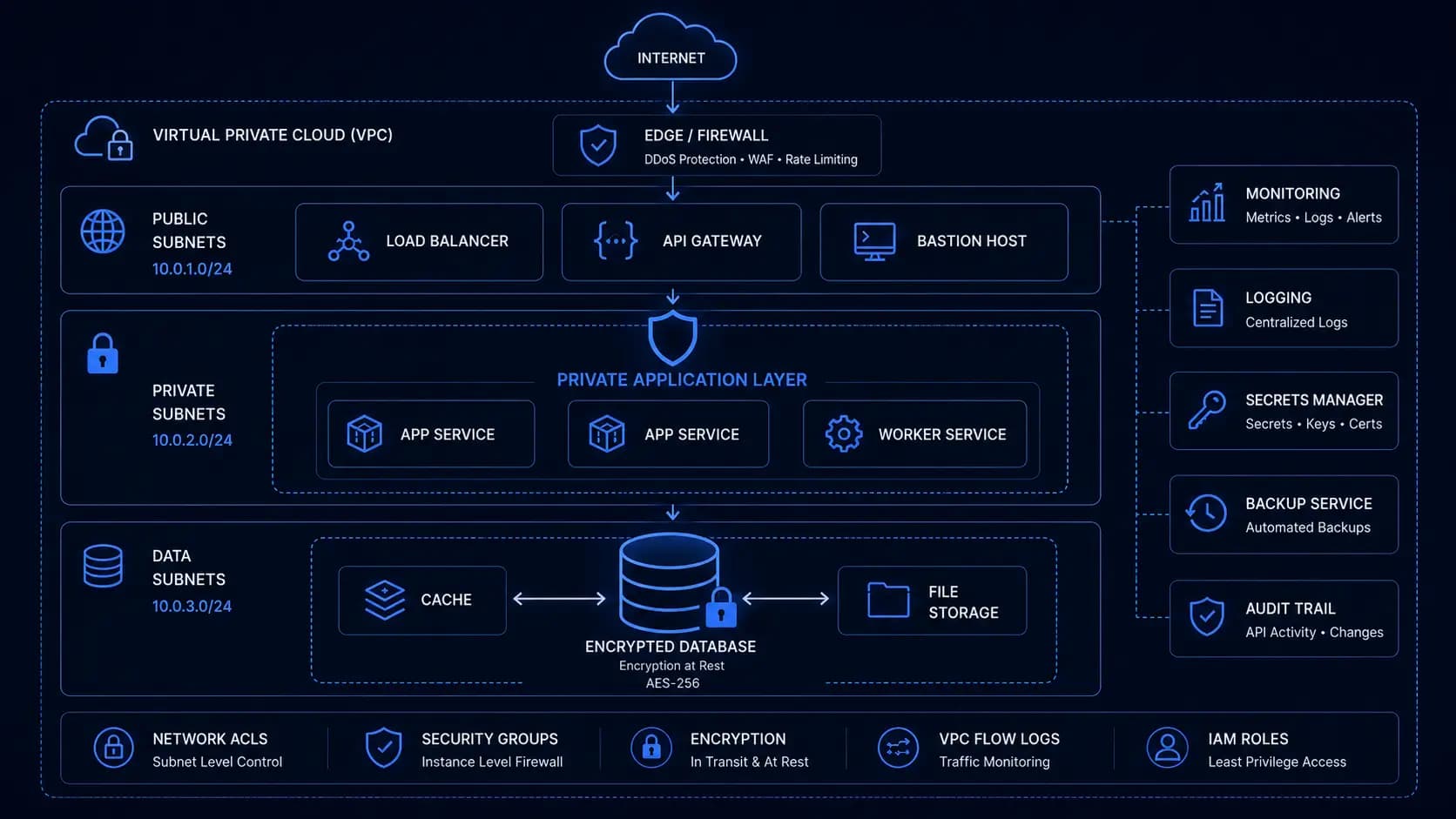
One architecture rule saves repeated pain: the portal reads from your own store, synced from the EHR, never live-queries the EHR per page view. EHR APIs are slow, rate-limited, and occasionally down; your portal should degrade to "data as of 20 minutes ago," not to a blank screen.
 Sync into your own store. The portal must survive the EHR's downtime.
Build vs buy
Every major EHR ships a portal (MyChart being the dominant example). Building custom makes sense in three cases: multi-EHR networks that need one front door, specialty workflows the vendor portal cannot represent (home health family portals, behavioral health check-ins), or when the portal is your product rather than an accessory. If a stock portal covers 90% of your needs, buy it; custom portals earn their cost where the workflow is the differentiator, the same calculus as our telehealth platform guide applies to video.
If the portal you need does not exist off the shelf, our healthcare software team builds patient-facing products with the identity, proxy, and integration layers described here, HIPAA-covered end to end with compliance engineering built in from the first sprint.
Written by

Founder & CEO
Gaurang Ghinaiya is the Founder & CEO of Nexios Technologies. He is passionate about building innovative software solutions that drive business growth. With years of experience in technology leadership, he guides teams toward excellence.