HIPAA-Compliant Mobile App Development: iOS & Android Guide
PHI on a phone is a different problem than PHI on a server. Secure enclave storage, content-free push, offline sync, and session design for HIPAA-covered mobile apps
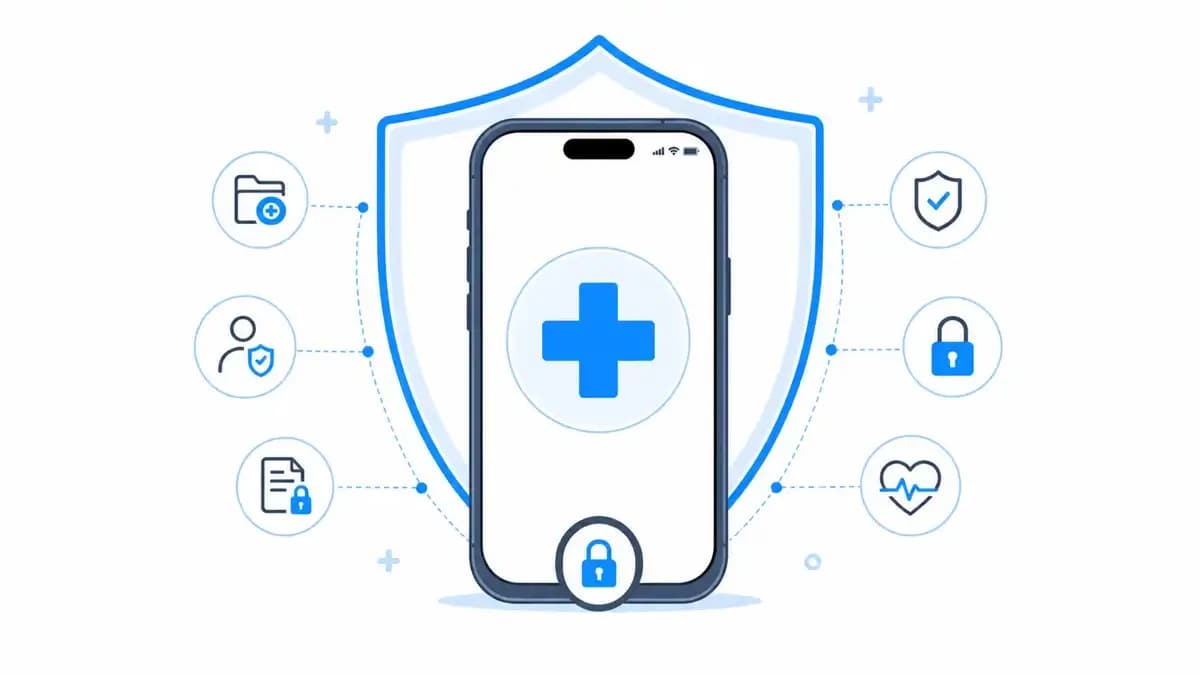
PHI on a server sits behind your firewall, your IAM policies, and your audit log. PHI on a phone sits in a device that gets lost in taxis, shared with family members, and backed up to consumer clouds you do not control. HIPAA-compliant mobile development is mostly about respecting that difference. This guide covers what iOS and Android actually require when your app touches protected health information.
Is your app even covered?
HIPAA applies to covered entities and their business associates. A consumer wellness app with no provider relationship is usually outside HIPAA (the FTC's Health Breach Notification Rule applies instead). An app operated for a provider, payer, or on their behalf is inside it. If you are inside, everything below is table stakes, and a BAA with every vendor that touches PHI, from your video SDK to your crash reporter, comes with it.
Storage: the secure enclave is your friend
The rule of thumb we build to: store as little PHI on-device as the feature allows, encrypt what you must store, and make the encryption key unavailable when the device is locked.
- iOS: Keychain with
kSecAttrAccessibleWhenUnlockedThisDeviceOnlyfor keys and tokens; Core Data or files withNSFileProtectionCompleteso content is unreadable while locked. Exclude PHI stores from iCloud backup withisExcludedFromBackup. - Android: Keystore-backed keys (hardware-backed where available) wrapping SQLCipher or EncryptedFile storage. Set
android:allowBackup="false"and blank the app switcher preview withFLAG_SECUREon PHI screens. - Both: no PHI in logs, crash reports, or analytics events. Crash reporting SDKs capture screen state and breadcrumbs by default; configure redaction before the first TestFlight build, not after the first incident.
 On-device PHI: hardware-backed keys, encrypted stores, and no consumer-cloud backups.
Authentication and sessions
Healthcare apps get shared devices and long-lived installs, so session design matters more than in a typical consumer app.
- Biometric unlock (Face ID, fingerprint) as a convenience layer over a real token, never as the only factor. Biometrics gate access to the refresh token in the keystore; they do not replace server-side auth.
- Short access-token lifetimes with silent refresh, and an inactivity timeout that re-locks the app. Fifteen minutes is a common auditor-friendly default.
- Remote session revocation: lost-device support means the server can invalidate a device's refresh token immediately, and the app treats a failed refresh as a hard logout that wipes local PHI.
Push notifications leak by default
APNs and FCM are not BAA-covered for message content. The pattern that passes review: send content-free pushes ("You have a new message") and fetch the actual PHI over your authenticated API when the user opens the app. Never put names, conditions, appointment details, or results in the notification payload. The same rule applies to SMS fallbacks, covered in the notification row of our technical safeguards checklist.
Offline PHI and sync
Field-facing apps (home health visits, patient intake in low-connectivity areas) need offline data. That is allowed, but it changes your risk profile: the offline store is now a PHI repository subject to everything above, plus sync conflict handling that never silently drops a clinical note. Design the offline set explicitly: which records, how long they persist, and what gets purged on logout. "The whole cache, forever" is how apps fail audits.
 Offline PHI is a scoped, encrypted, purgeable set, not an unbounded cache.
Cross-platform frameworks are fine
React Native and Flutter are both compatible with everything above; the encryption and keystore work happens in native modules either way. The framework choice is a product and team decision, not a compliance one. Our comparison of React Native vs Flutter covers that tradeoff, and our React Native production architecture post shows the module structure we use for the native security layer.
The review checklist we run before submission
- PHI unreadable with device locked (file protection verified on a physical device)
- No PHI in push payloads, logs, crash reports, or analytics
- App switcher preview blanked on PHI screens
- Backup exclusion verified on both platforms
- Inactivity lock, remote revocation, and logout purge all exercised in QA
- Every SDK in the binary inventoried and BAA-covered or PHI-isolated
- Audit logging of PHI access server-side, per our audit log schema
None of this is exotic; it is a few weeks of disciplined engineering when planned, and a rewrite when discovered late. If you are building a mobile product that will carry PHI, our mobile team ships HIPAA-covered iOS and Android apps with this checklist built into the definition of done.
Written by

Founder & CEO
Gaurang Ghinaiya is the Founder & CEO of Nexios Technologies. He is passionate about building innovative software solutions that drive business growth. With years of experience in technology leadership, he guides teams toward excellence.